The Right Walking Pad Speed for Every Task (Typing Is Not Stepping)
Quick Answer: For focused typing work, most people do best between 1.5 and 2.2 mph — slow enough that fine motor control survives. For calls, reading, and email, 2.0 to 2.5 mph works. For dedicated step-and-effort breaks with no keyboard involved, 2.5 to 3.5 mph earns its place. Typing accuracy measurably degrades for most people above about 2 mph, so the working answer is not one speed but a small menu you switch between — and the first week feels clumsy at every speed before your brain automates the walking.
The belt has one dial. Your day needs three settings.

What speed actually works while typing and thinking?
Slower than the marketing photos imply, and slower than your step goal wants.
Walking is automated until you stack precision on top of it. At low speeds, your brain runs the gait on autopilot and leaves your hands and working memory alone. Push the belt faster and the walking starts borrowing attention back — the borrowing shows up first in typo rate, mouse precision, and losing your thread mid-sentence.
Research on treadmill desks points the same direction as user experience: fine motor tasks like typing and mousing degrade modestly while walking, and the effect grows with speed. Cognitive work like reading and comprehension holds up better. The practical translation:
1.5 to 2.2 mph for deep, hands-heavy work — writing, coding, spreadsheets. Most people find their personal ceiling in this range: the fastest speed at which their typing feels like theirs.
Below about 1.2 mph, many people feel worse, not better — an unnaturally slow shuffle is less automatic than a comfortable stroll, and some find it more distracting than a moderate pace.
Find your number with a two-minute test: type a familiar paragraph at 1.5, 1.8, 2.1, and 2.4 mph and watch where errors jump. That jump is your working ceiling; set your default one notch below it.
Mouse-heavy work sits at the bottom of your range. Precision pointer work — design, detailed edits — is the most walking-sensitive task of all. Slow the belt for it, or save it for standing intervals.
And expect week one to lie to you. Everything feels clumsy at first; most people’s task performance at a given speed improves noticeably within days as the combination automates. Judge your speeds in week two, not day one.
What speed serves steps, energy, and actual exercise?
Faster, hands-free, and in deliberate blocks — because the keyboard is what caps your speed, not your legs.
When no fine motor work is involved, the ceiling moves way up. Phone calls you can take at 2.2 to 2.8 mph. Watching a lecture, thinking through a problem, or listening to a meeting where you rarely talk — similar. The moment your hands leave the keys, you are just a person walking, and 2.5+ mph is an ordinary stroll.
Structure real movement blocks at 2.5 to 3.5 mph. Ten to fifteen minutes between focus sessions, at a pace where your breathing noticeably picks up, does more for energy and your step total than an hour of 1.6 mph typing pace — and it gives your feet a stride-length change that all-day shuffling never provides.
The math favors the menu approach. Six hours at 1.8 mph while working plus two 15-minute breaks at 3.2 mph adds up to a five-figure step day without a single minute of it competing with your best focus.
Calls are the free lunch of walking pad use. A 30-minute call at 2.5 mph is genuine light cardio hiding inside your calendar. Frequent talkers should test their breathy threshold — the speed where colleagues can hear the walking — and sit just under it.
Cadence beats speed for comfort at every setting. Shorter, quicker steps feel more stable on a compact belt than long strides, especially at higher speeds where belt length runs out.
Dress for the reality that this is thousands of steps. Supportive sneakers or at minimum structured slippers beat bare feet for all-day use, and breathable leggings with pockets solve the where-does-the-phone-go problem that a walking desk creates — a small thing that decides whether the movement block actually happens.
How do you structure a whole walking pad day?
Pair every task with its speed, ramp into the week, and let sitting keep a role.
A sample day that respects both work and steps:
Morning deep work: 90 minutes at your typing speed — say 1.8 mph — then a 10-minute break block at 3.0.
Meetings and email midday: 2.2 to 2.5 mph for calls where you mostly listen; drop to typing speed when you drive the document.
Post-lunch slump hour: this is the highest-value walking of the day. 2.5+ mph through the drowsy window beats coffee for most people.
Afternoon detail work: slowest setting of the day, or stand still — precision work deserves a still platform.
Total walking time: build to 2 to 4 hours across the day, not 8. Feet, calves, and lower backs need adaptation weeks like any training. Start with an hour or two daily in week one and add from there; all-day heroics in the first week produce sore shins and an abandoned pad by the third.
Alternate walk, stand, and sit. The research picture on desk movement favors variety over any single posture marathon. Sitting for your most demanding 30 minutes is not failure; it is task-matching.
Set the desk for walking, not sitting height. Most people need the desk slightly higher and the screen a touch further back than their standing setup, because arms swing and the body drifts. Elbow-height keys and a screen you are not craning at remove half the reported awkwardness.
Watch the drift. Everyone slowly migrates toward the front or back of the belt while absorbed; a glance-down habit every few minutes, or the console’s position beep if it has one, prevents the surprise edge-step.
What Nobody Tells You About Desk Walking
Your typing recovers, but week one is genuinely worse. The first days at any speed cost you errors and flow. It automates fast — most people are near baseline within a week or two at moderate speeds — but if you judge the whole experiment on day two, you will quit a day before it gets good.
The mouse suffers more than the keyboard. Fine pointer control is the last skill to adapt and the first to degrade as speed rises. Designers and editors end up with the slowest belts in the building, and that is correct.
Camera bounce is real on video calls. At brisker speeds your head visibly bobs to colleagues. Either slow to a stroll when your camera is on or accept being the person visibly thriving at 2.6 mph.
Your step count stops being a proxy for effort. Fifteen thousand shuffle-steps at 1.6 mph is wonderful, and it is not the same stimulus as a brisk 45-minute walk. Keep one genuinely brisk block in the day so the easy volume does not quietly replace all intensity.
Afternoon you walks slower than morning you. Fatigue drops your comfortable ceiling by a couple of notches across the day. The pros set the belt slower after 3pm instead of wondering why the typos returned.
The pad changes your shoe math. Thousands of extra steps in unsupportive house slippers is how walking pads cause the foot soreness they get blamed for. A dedicated pair of supportive shoes that live at the desk fixes it completely.
FAQ: Walking Pad Speed Questions, Answered
What speed burns meaningful calories while working?
Any walking beats sitting, and the difference between 1.6 and 2.0 mph over hours is real but modest. The bigger win is total time plus one or two brisk hands-free blocks at 2.5+ mph, where effort actually rises.
Why does my typing fall apart above 2 mph?
Because faster walking recruits more attention and more arm swing, and both compete with fine motor control. That ceiling is personal and trainable to a point — test where your errors jump and default one notch under it.
How many hours a day should I walk at the desk?
Build toward 2 to 4 hours in blocks, alternated with standing and sitting. Start with 1 to 2 hours in the first week; feet, shins, and calves adapt on training timelines, not enthusiasm timelines.
Is it normal to hold the desk edge at first?
Common, and worth weaning off — resting hands on the desk changes your posture and defeats the arm swing that makes walking natural. Slow the belt until you can walk hands-free comfortably, then build back up.
TL;DR:
- Typing work lives at 1.5 to 2.2 mph; calls and reading at 2.0 to 2.5; hands-free step blocks at 2.5 to 3.5.
- Test your personal ceiling with a typing check at rising speeds — errors jump at the same speed every time, and your default belongs one notch below it.
- Build from 1 to 2 hours daily toward 2 to 4, mixed with standing and sitting, with real shoes at the desk.
- Keep one brisk hands-free block per day so easy volume never fully replaces effort.
Run the four-speed typing test tomorrow morning. Ten minutes, and every workday after it gets both more steps and fewer typos.
See It in Motion
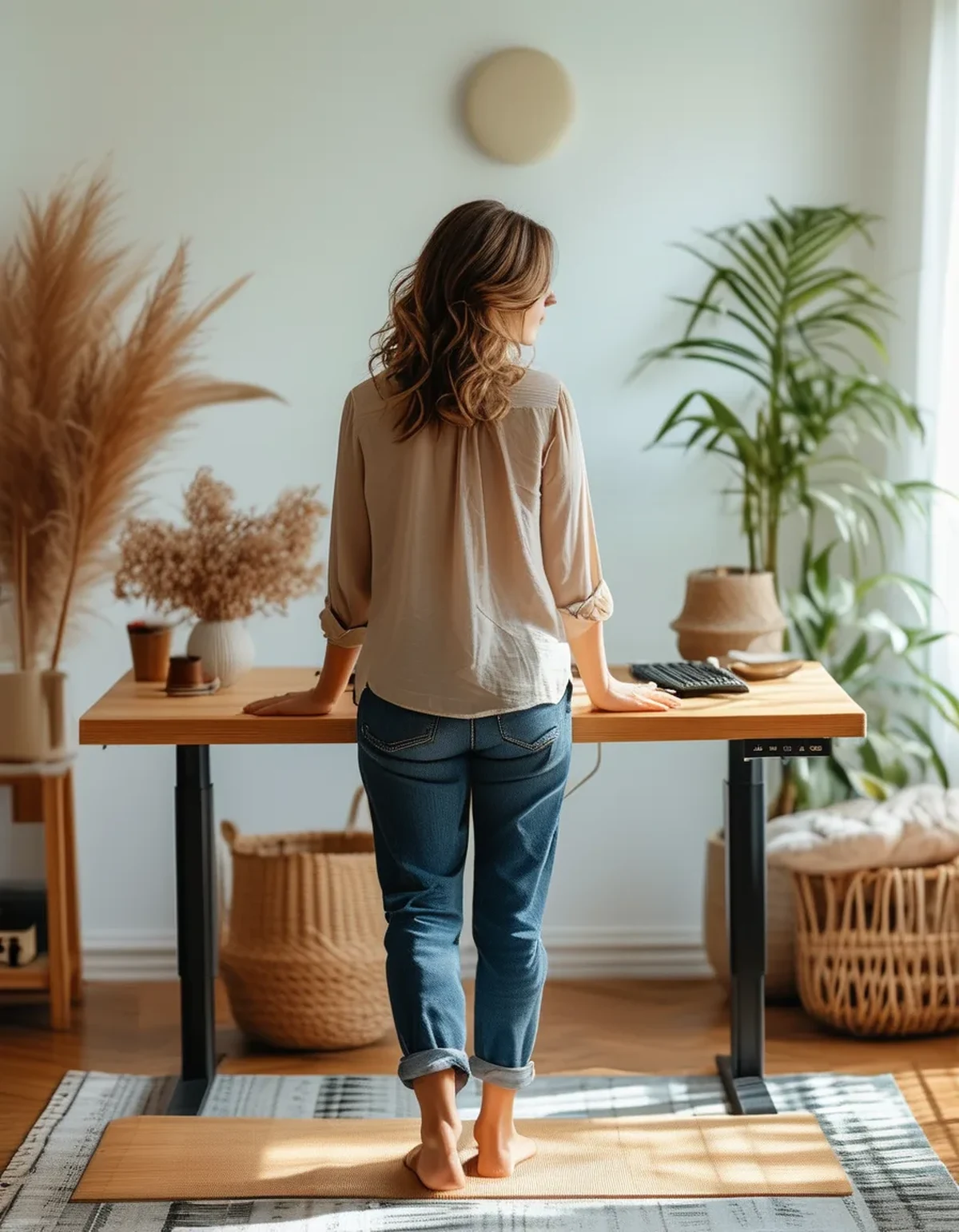
Seen here: Super High Waist Embossed Yoga Leggings with Inner Pocket — shop it on bubblelime.com
Keep Reading
This article is for general informational and styling purposes only. Fit, sizing, and product availability may vary.