Why Your Walking Pad Desk Hurts Your Shoulders and Not Your Legs
Quick Answer: Walking while typing forces your upper body to stabilize against constant motion, and most walking pad desks are set at a height chosen while standing still. The result is loaded shoulders, a locked neck, and gripping forearms. The fix is raising the desk slightly, dropping the speed, and treating the arms as the thing that needs support rather than the legs.
You bought it to solve sitting all day, and it did. Your legs feel fine and you have added several thousand steps.
But your shoulders are up around your ears by mid-afternoon and your neck is stiffer than it ever was in a chair. That is not a coincidence, and it is not something you have to accept as the trade.
Why does walking load your upper body at all?
Because typing demands stillness and walking supplies motion, and something has to reconcile the two.
When you walk, your torso rotates and your body oscillates vertically with every step. Normally your arms swing to counterbalance that rotation - it is a large part of why walking feels natural.
At a walking desk your arms cannot swing. They are held forward and still, so your shoulder girdle, upper back, and neck have to actively cancel out the movement your legs are producing. That is continuous low-level muscular work, held for hours, in muscles designed for short bursts.
Your hands are also trying to hit small targets on a moving platform. The fine motor demand of typing accurately while your whole body oscillates causes people to grip harder and tense the forearms without noticing. Forearm and wrist complaints are extremely common among walking desk users and almost never anticipated.
And the neck holds the head still against the same oscillation, because your eyes need a stable image of the screen. The small stabilizing muscles at the base of the skull do that work continuously.
Your legs, meanwhile, are doing something they are extremely well adapted for - walking slowly on a flat surface. Of course they feel fine.
The upshot: a walking pad converts a sitting problem into a shoulder and neck problem unless the setup accounts for it.
What does a correct setup look like?
Higher than you think, closer than you think, and slower than you think.
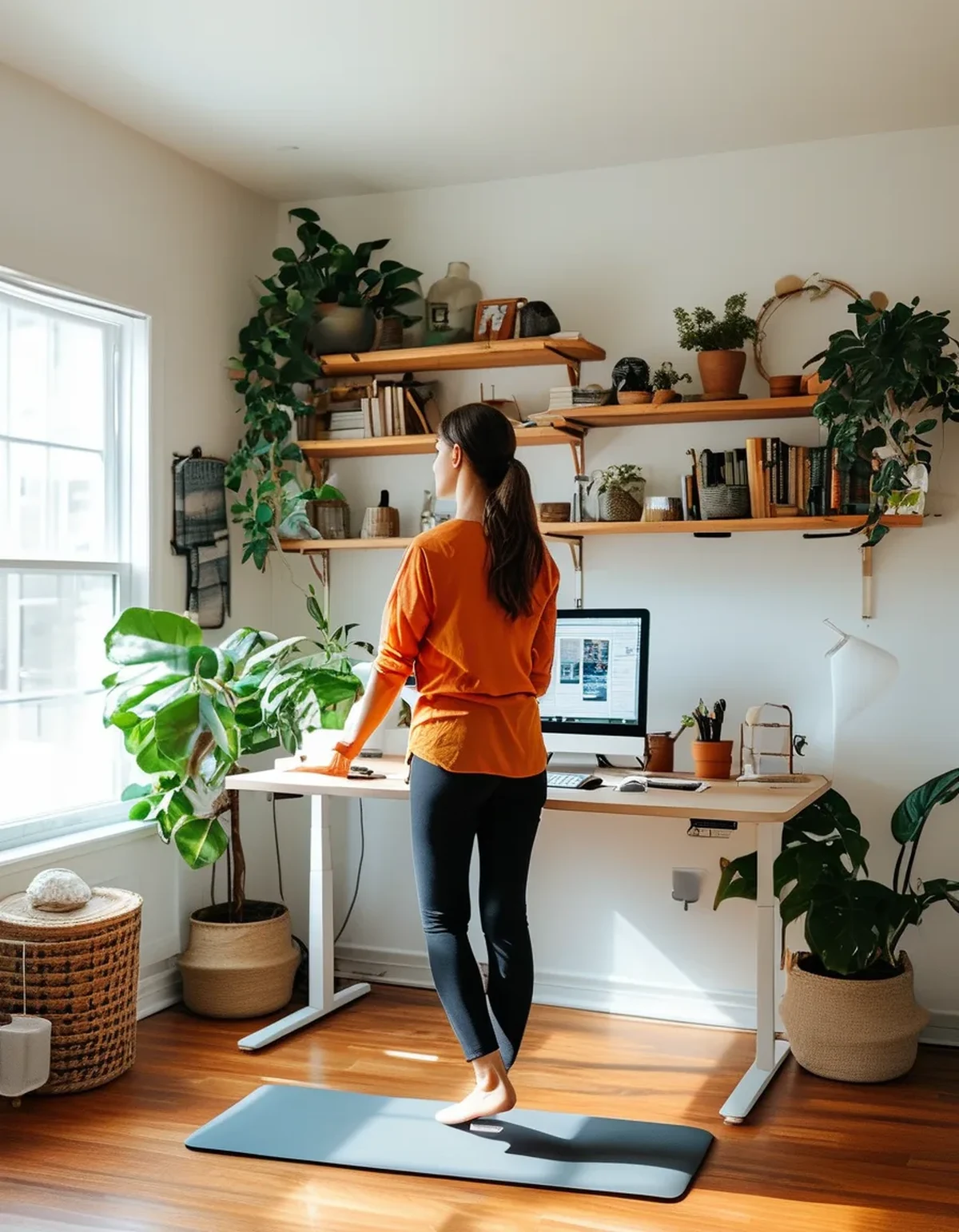
Set the desk height while walking, not while standing still. This is the most important adjustment and almost nobody does it. Walking lifts your body slightly with each step and changes your posture, so a height that is perfect standing still is a little low in motion - and slightly low is what makes you round your shoulders forward.
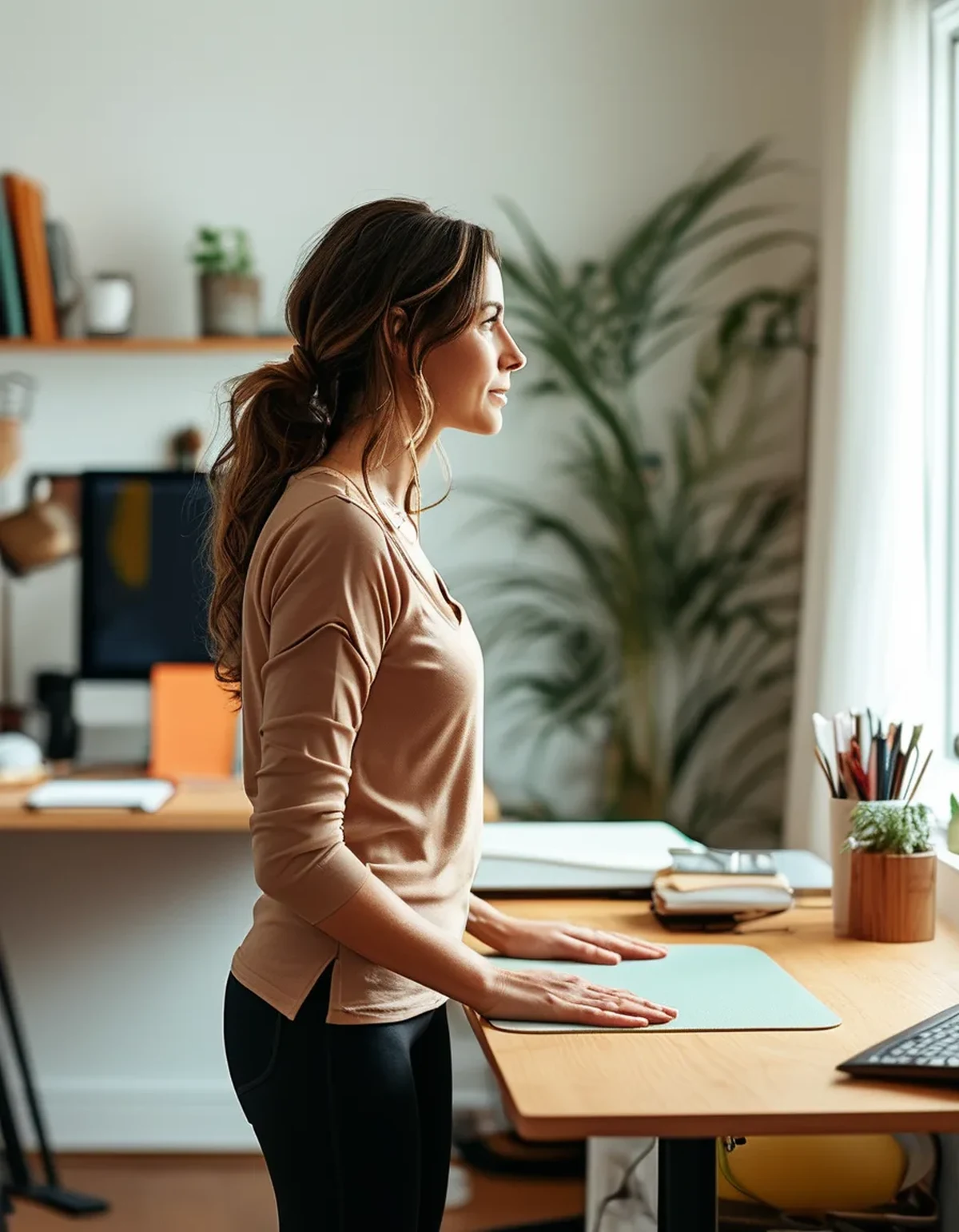
Elbows at roughly ninety degrees or slightly open, shoulders down and relaxed. If your shoulders creep up when you start typing, the desk is too high. If your wrists extend upward to reach the keys, it is too low.
Bring the keyboard closer to your body than a seated setup. Reaching forward is what drags the shoulders into a protracted position and holds them there.
Raise the monitor so the top of the screen is at or just below eye level. Looking down at a laptop while walking is the fastest route to a stiff neck, and a laptop stand plus an external keyboard is the single best purchase for a walking desk.
Drop the speed. Most people walk too fast. Around one to two miles an hour is where typing accuracy stays high and upper body stabilization stays low. Above about two and a half, the oscillation increases enough that your shoulders start doing real work.
And check the pad is level and stable. A pad on an uneven floor or a thick carpet introduces a wobble your body will compensate for all day.
What Nobody Tells You About Walking Desks
Your typing accuracy is worse than you think, and it costs you cognitively. Most people make measurably more errors while walking, and the extra correction work is a background tax on the tasks you do at the desk. Save walking for reading, calls, and email rather than precise work.
Calls are the killer app and nobody advertises it. A meeting where you are mostly listening is the ideal walking activity - no typing, no fine motor demand, no upper body stabilization problem.
Shoes matter more than for ordinary walking. Four hours of slow walking in flat, unsupportive slippers is a genuinely different load than a twenty-minute stroll, and foot and arch complaints are common. Wear actual shoes.
You will get warm. Slow walking generates real heat, and a home office that was comfortable seated will be too warm walking. This is a genuine autumn advantage - a walking desk makes a cool room comfortable and reduces heating costs, which is a real perk from October onward.
The pad is loud enough to matter on calls, and more so on a hard floor. A mat underneath helps considerably, both for noise and for the floor.
And the novelty wears off around week three. The people who sustain it are the ones who scheduled specific activities to do while walking rather than trying to walk all day.
How should you structure the day?
In blocks, matched to the type of work.
Walk during low-precision work. Calls, reading, reviewing documents, listening. These need no typing accuracy and no sustained fine motor control, which removes the whole shoulder problem.
Sit or stand still for detailed work. Writing, spreadsheets, code, design. Trying to do precise work while walking is where both the errors and the tension come from.
Cap the continuous walking blocks at thirty to forty-five minutes. The shoulder and neck loading is cumulative and time-dependent, and it is far easier to prevent than to unwind.
Alternate three positions rather than two. Sitting, standing still, and walking. The variety is the actual benefit - the research on this consistently favors changing posture over any single posture, however good.
Do two minutes of upper body work at the end of blocks. Shoulder rolls, a doorway chest stretch, and a chin tuck. It costs nothing and addresses precisely the tissues that have been working.
And build up gradually. Starting at three hours a day in week one is the standard mistake. Thirty minutes twice a day for a week, then increase, gives the stabilizing muscles time to adapt.
If you have persistent neck or shoulder pain, numbness or tingling in the hands, or any pre-existing condition affecting your back or joints, get it assessed rather than adjusting your desk repeatedly. This is general information rather than medical advice.
FAQ: Walking Desk Questions, Answered
What speed should I actually use?
One to two miles an hour for most work, and up to about two and a half for calls or reading where accuracy does not matter. If your typing error rate jumps or your shoulders rise, you are too fast.
How many hours a day is reasonable?
Most sustainable users land somewhere between two and four hours, broken into blocks, with the rest of the day sitting and standing. All-day walking is neither necessary nor comfortable for most people.
Should I use a treadmill desk mat?
A mat under the pad helps with noise, floor protection, and stability on soft flooring. A cushioned mat on top of the belt is not a thing - the belt itself provides the surface.
Will it make my legs sore?
Rarely, and if it does it is usually the feet and calves rather than the legs, and usually a shoe problem. Slow flat walking is a low-intensity activity your legs handle easily, which is exactly why the strain lands upstairs instead.
TL;DR:
- Walking while typing forces your shoulders, neck, and forearms to cancel out the motion your legs create, which is continuous low-level work held for hours.
- Set the desk height while walking rather than standing still, bring the keyboard closer, raise the monitor to eye level, and drop the speed to one to two miles an hour.
- Match the activity to the posture - walk for calls and reading, stand still or sit for precise work.
- Cap blocks at thirty to forty-five minutes, alternate three positions, and wear real shoes.
The walking pad did its job. The setup around it was designed for a body standing still, and your shoulders have been quietly paying the difference.
See It in Motion
Seen here: High Waist Yoga Leggings with Inner Pocket — shop it on bubblelime.com
Keep Reading
This article is for general informational and styling purposes only. Fit, sizing, and product availability may vary.