Why Typing While Walking Falls Apart Above 2 MPH
Quick Answer: Typing accuracy holds up well at slow walking speeds and degrades sharply once vertical head oscillation rises — which happens as stride length increases, generally somewhere around 2 to 2.5 mph for most people. It is not a coordination problem. Your eyes are trying to fixate on a screen that is moving up and down relative to them, and reading is what fails first.
At a slow pace you barely notice you are walking.
Bump the speed by half a mile an hour and suddenly you are backspacing constantly, rereading the same line, and the whole thing feels like more effort than it is worth.
The threshold is real, and it is mostly about your head, not your hands.

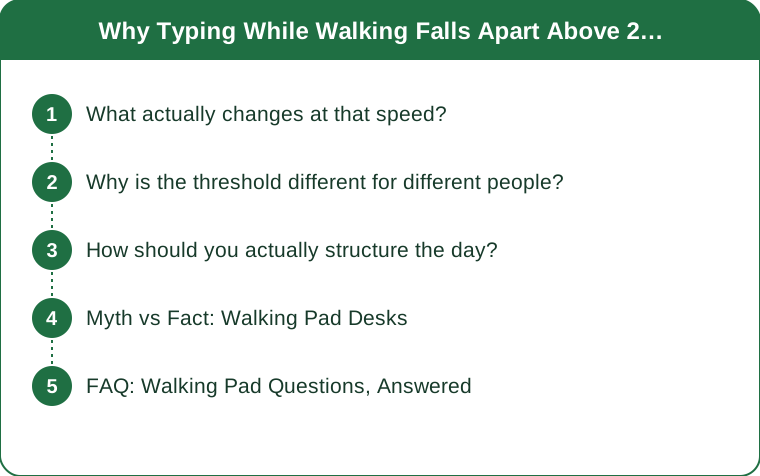
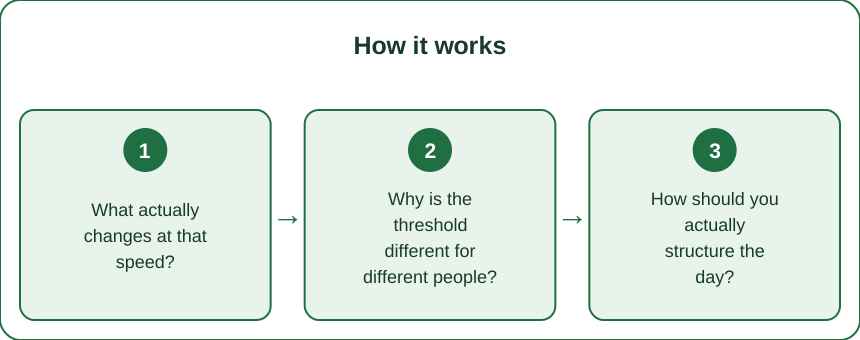
What actually changes at that speed?
Your head starts moving vertically enough to disrupt reading.
Walking is a controlled fall — your center of mass rises and falls with every step. At a slow pace, that vertical oscillation is small. As speed increases, stride length increases, and vertical displacement goes up with it. Your head is on top of that system.
Your vestibulo-ocular reflex compensates automatically, holding your gaze stable while your head moves. It works extremely well, which is why you can walk down a street and read signs. But its performance degrades as the movement gets larger and faster, and reading small text at a fixed distance is one of the most demanding possible tasks for it.
That is the actual failure. Not your fingers — your eyes. Typing accuracy studies on treadmill desks consistently show that reading and cognitive tasks degrade before motor tasks do, and typing is mostly a reading task with a motor output.
The secondary factor is arm stability. Faster walking involves more arm swing, and suppressing that swing to keep your hands on a keyboard costs shoulder effort. That is why long typing sessions at higher speeds leave your traps tired.
Why is the threshold different for different people?
Because the variable is stride length, not speed, and stride length depends on your legs.
A taller person reaches the same speed with a longer, slower stride, which produces more vertical displacement per step. A shorter person takes more, smaller steps at the same speed, with less rise and fall. So a 5’2” user might type comfortably at 2.5 mph while a 6’0” user is struggling at 2.0.
This is why generic speed recommendations are unhelpful. Find your threshold rather than adopting someone else’s.
The other variables that shift it meaningfully:
Text size. Larger text is dramatically more tolerant of head movement. Bumping your editor to a larger size can move your usable speed up by a noticeable margin.
Screen distance and height. A screen at eye level and slightly further away is easier to track than one low and close, because the angular displacement is smaller.
Shoes. Cushioned shoes absorb some vertical impact; hard flat shoes or bare feet transmit more. This matters more than people expect.
Task type. Copying text, editing, and anything requiring careful reading fails earliest. Composing from memory, thinking, and talking hold up at much higher speeds.

How should you actually structure the day?
Match the speed to the task rather than picking one speed and living with it.
1.5 to 2.0 mph for typing and detailed reading. This is the working zone. It is genuinely slow, it still accumulates meaningful steps and energy expenditure, and it costs you almost no accuracy.
2.5 to 3.0 mph for calls, listening and thinking. Anything without a screen requirement can go faster. Audio calls, video calls where you are mostly listening, reading long-form on a large screen, or just thinking through a problem.
3.0 mph or above for deliberate walking blocks. Take the laptop out of it. Fifteen minutes at a real pace between meetings is more valuable than an hour of walking slowly while distracted, both for the movement and for the break.
Zero for anything precise. Spreadsheet work, code review, anything with numbers. Sit down. The error rate is not worth it, and errors in those tasks are expensive.
A practical structure that works for a lot of people: walk during the first hour of email, walk during calls, sit for focused work, and take one real walking block in the afternoon. Total daily distance ends up higher than trying to walk through everything, because you stop fighting the tasks that do not tolerate it.
Myth vs Fact: Walking Pad Desks
Myth: You get used to typing at higher speeds. Fact: You adapt somewhat over the first few weeks — most people gain a few tenths of a mile per hour. But the oscillation is physics, and adaptation does not remove it.
Myth: Faster is better exercise, so push through the typing problem. Fact: At desk speeds you are in low-intensity territory either way. The value is in total time on your feet, and slow walking you actually sustain beats fast walking you abandon.
Myth: A walking pad replaces a workout. Fact: It replaces sitting, which is genuinely valuable. It does not provide a cardiovascular training stimulus at typing speeds. Treat it as NEAT, not as training.
Myth: Errors do not matter because you catch them. Fact: You catch typos. You are less reliable at catching comprehension errors on material you read while walking, which is why detailed reading is the task worth protecting most.
Myth: A treadmill desk hurts productivity. Fact: At appropriate speeds, research generally finds small or negligible effects on typing and cognitive performance. The productivity complaints almost always come from running the pad too fast for the task.
FAQ: Walking Pad Questions, Answered
How do I find my own threshold?
Type a familiar paragraph at 1.5, 2.0 and 2.5 mph and count the backspaces. Most people find an obvious cliff rather than a gradual decline. Set your working speed just below the cliff.
Does desk height matter?
Substantially. The desk needs to be set for standing plus the pad’s thickness — usually 4 to 6 inches higher than a normal standing desk position. Too low and you are reaching down, which loads the shoulders on top of everything else.
Why do my feet hurt after a few hours?
More total steps than you are used to, usually in unsupportive shoes. Wear actual shoes on the pad, and build up by about 30 minutes per week rather than starting with a full day.
Is a cheap pad fine?
Belt stability matters here more than motor power, because a belt that hitches adds unpredictable movement. Speed range matters less, since you will spend most of your time under 3 mph anyway.
How many steps is realistic?
At 2 mph, roughly 3,500 to 4,000 steps per hour. Two hours of working walking is a substantial share of a daily target, which is the real argument for the whole setup.
TL;DR:
- Typing fails at higher speeds because vertical head oscillation disrupts reading, not because your hands lose coordination.
- The threshold depends on stride length, so taller people hit it at lower speeds — find yours by counting backspaces at 1.5, 2.0 and 2.5 mph.
- Match speed to task: 1.5 to 2.0 for typing, 2.5 to 3.0 for calls and thinking, sit down for spreadsheets.
- Larger text, an eye-level screen and real shoes all raise your usable speed measurably.
The pad is not too fast for your fingers. It is too fast for your eyes, and typing was always mostly a reading task.
See It in Motion
Seen here: High Waist Embossed Yoga Leggings with Side Pockets — shop it on bubblelime.com
Keep Reading
This article is for general informational and styling purposes only. Fit, sizing, and product availability may vary.