Why 2.5 mph on Your Walking Pad Feels Harder Some Days
Quick Answer: Speed on a walking pad is fixed, but stride length isn’t - and when your stride shortens, your cadence has to rise to hold the same speed, which costs noticeably more energy. Short strides come from fatigue, footwear, desk height, and screen focus. Fix the stride and 2.5 mph feels like 2.5 mph again.
The belt says 2.5. Tuesday it was background noise. Thursday your calves are burning by minute twelve and you’re checking whether the incline changed. It didn’t. Something else did, and it’s measurable.
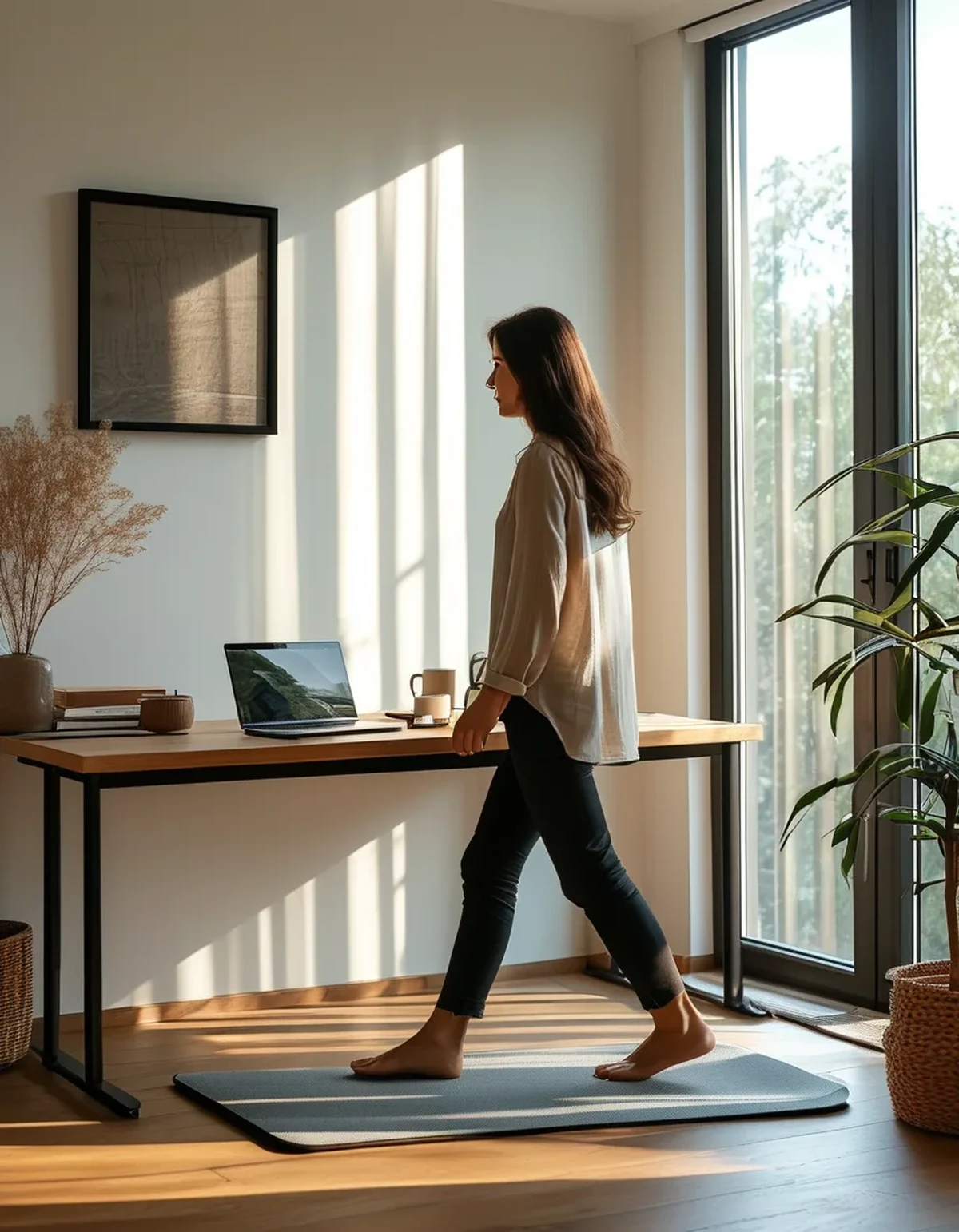
What actually changes when the speed is the same?
Walking speed is the product of two things: stride length x cadence (steps per minute). The belt fixes speed. It does not fix how you achieve it.
If your stride shortens by 10%, your cadence has to rise by roughly 11% to keep the same speed. More steps per minute means more ground contacts, more calf work, and more total energy for the same distance covered.
That’s why the same number on the display produces different effort. You’re not imagining it and your walking pad isn’t broken.
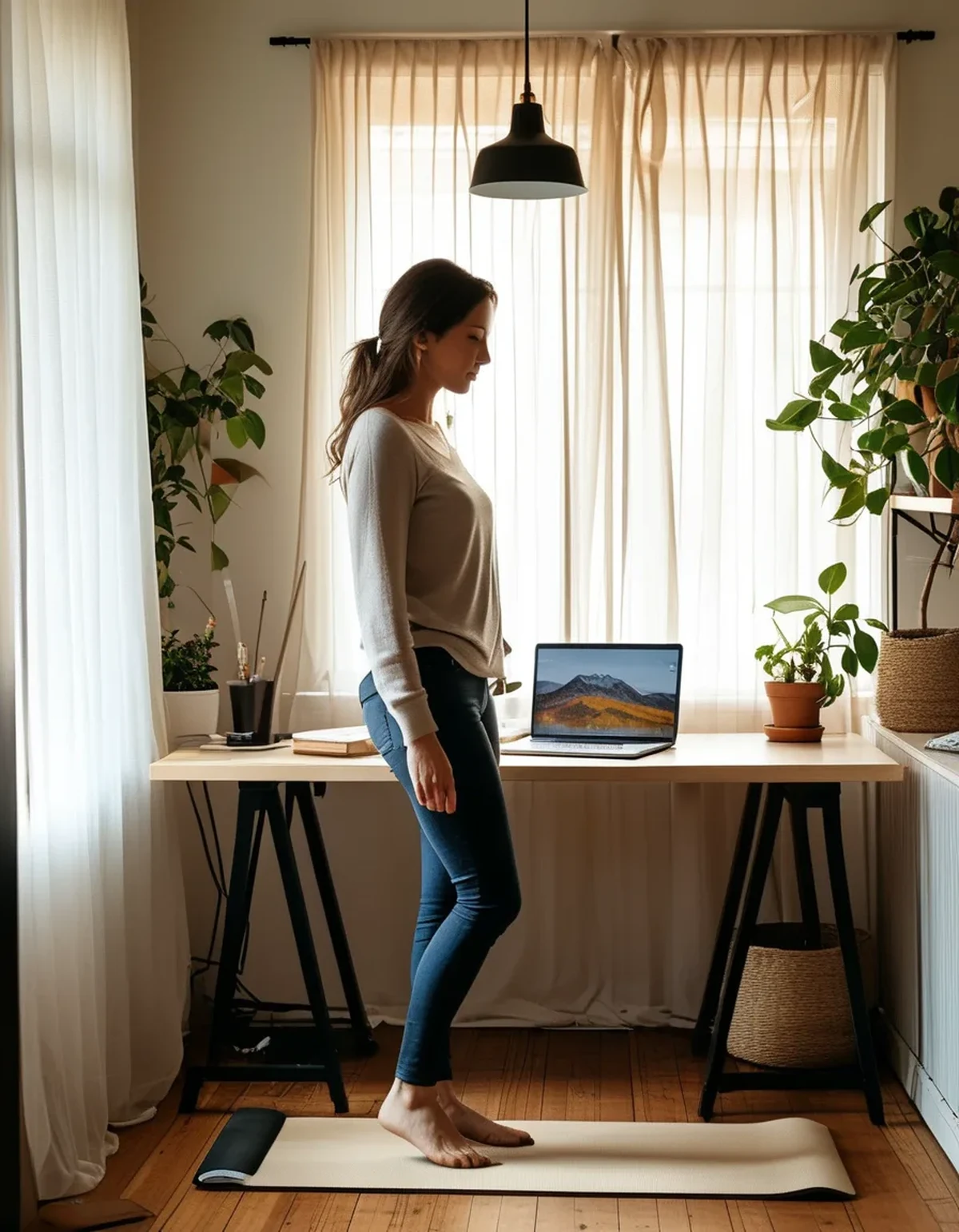
Why does my stride shorten without me noticing?
Screen focus. This is the biggest one for under-desk pads. When you’re deep in a document, your gaze drops, your posture rounds slightly forward, and your stride shortens to keep your center of mass under the screen. Concentration literally shrinks your gait.
Desk height creeping wrong. If your keyboard is even an inch too high, you carry your arms up, which shifts your torso back and shortens your reach forward.
Shoes. A stiffer sole or a shoe with a higher heel drop changes your natural stride. Switching between house slippers and running shoes can change stride length by several centimeters.
Accumulated fatigue. By hour three of walking during meetings, your stride is measurably shorter than in hour one. This is normal, and it’s why the same speed feels harder in the afternoon.
Belt length. Shorter pads - under about 40 inches of walking surface - physically constrain stride for taller users, and the constraint tightens as you drift forward or back on the belt.
How do I measure my own cadence?
Count your steps for 30 seconds and double it. That’s your cadence in steps per minute.
Do this three times: on a fresh morning walk, mid-afternoon, and during a task requiring real concentration.
Typical ranges at 2.5 mph: most people land between 100 and 115 steps per minute. If you’re above 120 at that speed, your stride is short and your effort is inflated. If you’re below 95, you’re taking long, slow strides, which is easier but may put you further forward or back on the belt than is comfortable.
A 15-step-per-minute swing across a workday is common and is exactly the difference between the walk that feels effortless and the one that doesn’t.
Myth vs Fact: Walking Pad Effort
Myth: If the speed number is the same, the workout is the same. Fact: Same speed, different cadence, different energy cost. Displays measure the belt, not you.
Myth: Faster is always more effective. Fact: For desk walking, longer and steadier usually beats faster and shorter. Speed that forces you to shorten your stride to stay balanced is a worse deal than a slower speed you can stride out on.
Myth: Step count is the metric that matters. Fact: Step count rewards short strides. Two people covering the same distance can differ by thousands of steps, and the one with more steps didn’t do more useful work - they just chopped it finer.
Myth: You should walk at the same speed all day. Fact: Matching speed to task works better. Slow it to 1.8-2.0 mph for concentration-heavy work where your stride will shorten anyway, and take it up to 2.8-3.0 for calls and email where you can stand tall.
What should I actually change?
Set the screen at eye level. The single highest-leverage fix. A monitor riser that brings the top of your screen to eye height keeps your head up, which keeps your stride open.
Match speed to task. Slow for deep work, faster for low-focus tasks. Trying to hold 3.0 mph while writing is how you end up with a 130-step-per-minute shuffle.
Pick one pair of shoes and stay with them. Consistency matters more than which shoe. Changing footwear mid-day is a hidden cause of the ‘it got harder’ feeling.
Reset your position every 20 minutes. Deliberately step back to the rear third of the belt, take three long strides, and settle. This resets the drift toward the front that quietly compresses your stride.
Cap continuous walking at 45-60 minutes. Then sit or stand still for 10. Stride quality degrades steadily past the hour mark and that’s when the effort mismatch gets loudest.
FAQ: Walking Pad Cadence Questions, Answered
Is a high cadence bad for me?
Not inherently - it’s just less efficient. Sustained high-cadence short-stride walking does load the calves and Achilles more, so if you’re getting calf tightness from desk walking, cadence is the first thing to check.
Should I try to lengthen my stride deliberately?
Within comfort, yes. Overstriding - reaching so far forward you land hard on your heel - creates its own problems. Aim for the stride that feels natural when you’re walking outside.
Does incline change this?
Incline shortens stride naturally and raises cadence, which is part of why inclined walking feels harder at the same speed. That’s the tradeoff working as intended.
TL;DR:
- Speed = stride length x cadence; the pad fixes speed, not how you produce it
- Short strides raise cadence, which raises effort at the same displayed speed
- Screen focus, desk height, shoes, and fatigue all shorten stride without you noticing
- Count steps for 30 seconds and double it - above 120 spm at 2.5 mph means your stride is short
- Match speed to task, keep the screen at eye level, reset your belt position every 20 minutes
The display is honest about the belt. It just isn’t telling you anything about you.
See It in Motion
Seen here: High Waist Jogger Sweatpants with Pockets — shop it on bubblelime.com
Keep Reading
This article is for general informational and styling purposes only. Fit, sizing, and product availability may vary.