Why Walking Pad Sessions Leave Your Hip Flexors Tight
Quick Answer: Walking pads produce hip flexor tightness because desk walking is very short-stride, low-speed walking with almost no hip extension - the movement that actually lengthens the hip flexors. At 2 to 3 km/h while typing, you take small steps and never fully extend the trailing leg, so you accumulate repetition without range. Fix it with a slightly higher speed where practical, a deliberate longer stride every 10 minutes, hourly hip flexor stretches, and glute activation work to address the other half of the problem.
Here is why the movement is different from ordinary walking and what to add.
Why does walking make hips tight?
Ordinary walking lengthens the hip flexors on every stride as the trailing leg extends behind you. That extension is the exact movement that keeps them long.
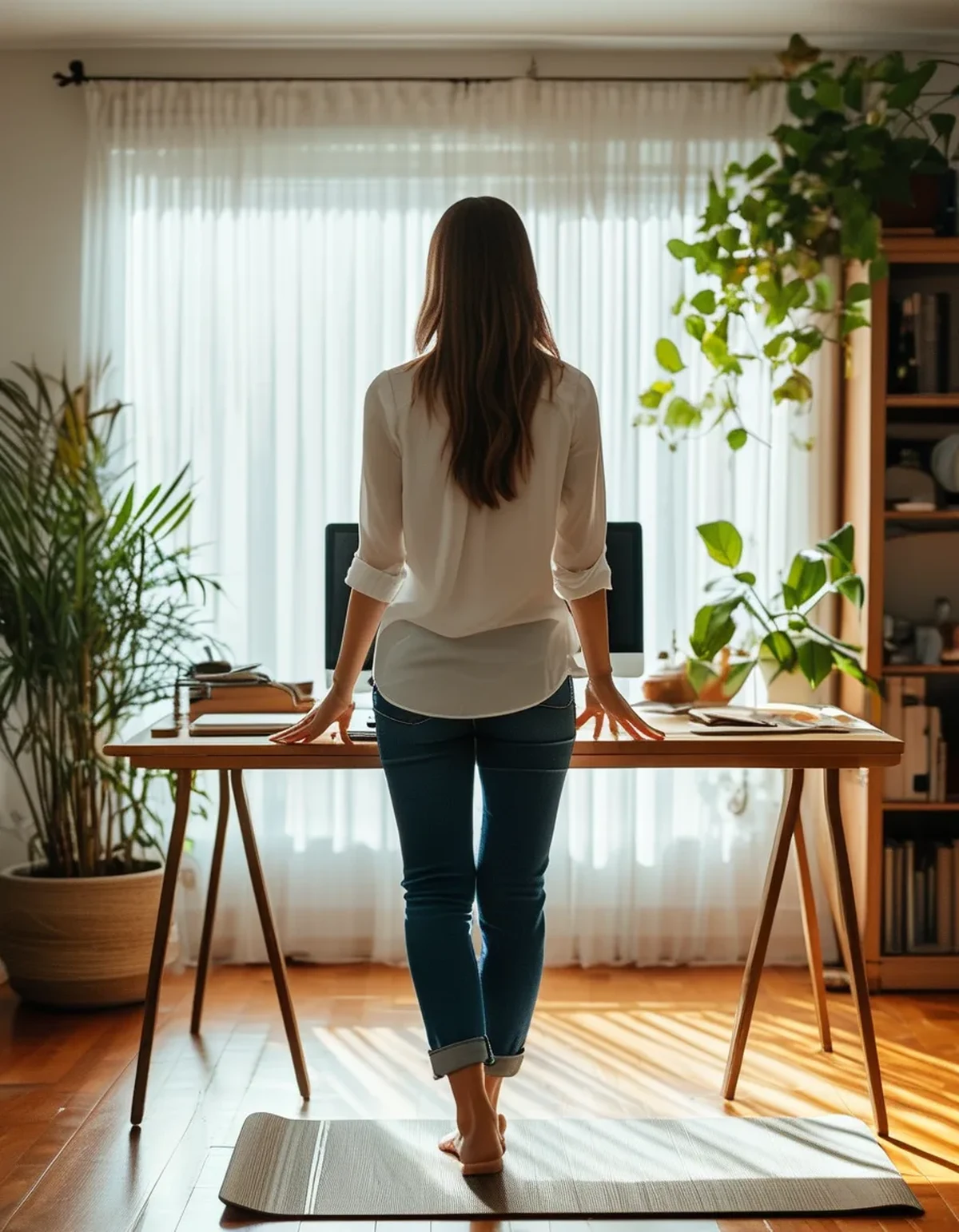
Desk walking largely removes it. At 2 to 3 km/h with your hands on a keyboard, stride length shortens dramatically, and the trailing leg barely goes behind the body at all.
So you get the repetition without the range. Thousands of steps of repeated hip flexion with almost no extension trains the muscle in a shortened position, which is functionally similar to sitting.
Reaching forward to type makes it worse. Leaning towards the desk tips the pelvis and shortens the front of the hip further, adding a postural component on top of the stride one.
The glutes stay quiet at low speed. Glute activation rises with speed and stride length; at desk pace they contribute very little, and inactive glutes allow the hip flexors to dominate further.
Volume amplifies everything. Two hours a day at around 100 steps per minute is roughly 12,000 steps in a shortened range, which is a substantial dose of a narrow movement pattern.
What should change about the setup?
Raise the speed when the task allows it. Reading, calls, and listening can be done at 4 to 5 km/h, where stride length and hip extension are meaningfully greater. Save 2 to 3 km/h for typing only.
Take a deliberate long-stride minute every 10 minutes. Step back from the desk, walk with an exaggerated stride for 60 seconds, and let the trailing leg extend fully. This single habit addresses most of the problem.
Check your desk height and distance. If you are reaching forward to type, the desk is too far or too low, and the resulting pelvic tilt shortens the hip flexors continuously.
Keep the screen at eye level. A low screen tips the head and the whole chain forward, and posture on a walking pad compounds over hours rather than minutes.
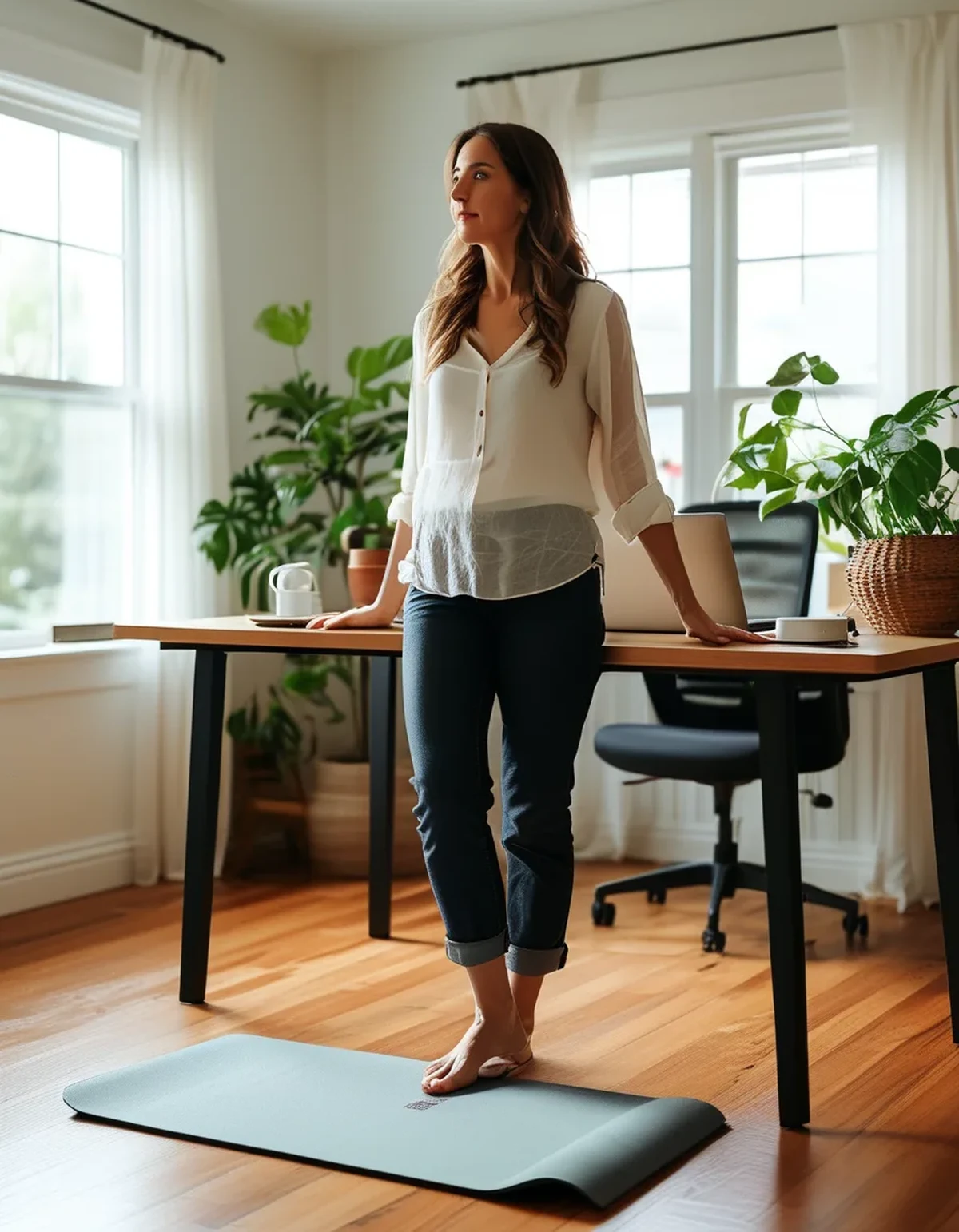
Do not hold the desk edge. Leaning on your hands unloads the legs and locks the pelvis, removing what little hip movement the low speed allows.
Alternate walking and standing blocks. Twenty minutes walking, ten standing varies the position rather than holding one pattern for two hours.
And cap continuous sessions at about 45 minutes. Getting off entirely, even for two minutes, resets posture more effectively than any adjustment made while still on the belt.
What should you add off the pad?
Stretch the hip flexors hourly, 30 seconds per side. A half-kneeling lunge with the pelvis tucked under targets the right structures - and the tuck matters more than the depth of the lunge.
Add glute bridges: 2 sets of 15, twice a day. Weak or inactive glutes are the other half of this problem, and activating them reciprocally allows the hip flexors to relax.
Include standing hip extensions between calls. Ten per leg, driving the leg straight back with the pelvis square, restores the movement the walking pad removed.
Walk properly outdoors a few times a week. Twenty minutes at normal walking pace with a full stride does more for hip mobility than any amount of desk walking.
Add couch stretch or a deeper hip flexor stretch in the evening, holding 60 to 90 seconds per side, on days with long pad sessions.
Strengthen through range rather than only stretching. Split squats and step-ups build strength in the lengthened position, which holds better than stretching alone.
And treat the pad as a supplement, not a substitute. It is excellent for replacing sitting; it does not replace walking. Persistent hip pain, as opposed to tightness, deserves proper assessment - this is general information, not medical advice.
5 Mistakes Walking Pad Users Make
1. Using one speed for everything. Typing needs 2 to 3 km/h; calls and reading can run at 4 to 5, where the stride is long enough to matter. One speed all day guarantees the shortened pattern.
2. Leaning on the desk. Hands on the edge unloads the legs and locks the pelvis, removing most of the benefit while keeping all of the shortening.
3. Treating step count as the goal. 12,000 short steps in a restricted range is not equivalent to 12,000 outdoor ones. Quality of movement matters more than the number.
4. Never getting off. Two-hour continuous sessions hold one posture longer than sitting typically does. Break at 45 minutes.
5. Skipping the stretching because you are already moving. Movement in a shortened range does not substitute for range work. Thirty seconds per side, hourly, is the whole fix.
The pattern is treating the pad as complete exercise. It is an outstanding replacement for sitting, which is a genuinely high bar to clear - but the shortened stride means it needs mobility work alongside it rather than instead of it.
FAQ: Walking Pad Hip Tightness, Answered
Why do my hips get tight from walking?
Because desk walking has almost no hip extension. At 2 to 3 km/h with your hands on a keyboard, the trailing leg barely goes behind you, so you repeat hip flexion without ever lengthening the muscle.
What speed should I use?
Match it to the task - 2 to 3 km/h for typing, 4 to 5 km/h for calls and reading, where stride length and hip extension are considerably greater.
How often should I stretch?
Thirty seconds per side, hourly, in a half-kneeling lunge with the pelvis tucked under. The tuck matters more than how deep the lunge is.
Does holding the desk matter?
Yes. Leaning on your hands unloads the legs and locks the pelvis, removing what little hip movement low-speed walking allows.
How long should a session be?
Cap continuous walking at around 45 minutes, and alternate 20 minutes walking with 10 standing to vary the position.
Do walking pad steps count the same as outdoor steps?
Not quite. The stride is much shorter and the glutes contribute little at desk pace. It is an excellent replacement for sitting, not a replacement for walking.
What if stretching does not help?
Add strength through range - split squats and step-ups - since strength in the lengthened position holds better than stretching alone. Persistent hip pain rather than tightness deserves proper assessment.
TL;DR:
- Desk walking has almost no hip extension - repetition without range, which is functionally close to sitting.
- Match speed to task: 2 to 3 km/h for typing, 4 to 5 km/h for calls and reading.
- One deliberate long-stride minute every 10 minutes fixes most of it.
- Never lean on the desk - it unloads the legs and locks the pelvis.
- Hourly half-kneeling hip flexor stretch, 30 seconds a side, with the pelvis tucked.
- Glute bridges 2 x 15 twice daily - inactive glutes are the other half of the problem.
- Break every 45 minutes and walk properly outdoors a few times a week.
The pad is an excellent replacement for sitting and not a replacement for walking. Persistent hip pain deserves proper assessment.
See It in Motion
Seen here: High Waist Yoga Leggings with Inner Pocket — shop it on bubblelime.com
Keep Reading
This article is for general informational and styling purposes only. Fit, sizing, and product availability may vary.